


Shopify Speed Optimization Guide: Boost Store Performance & Conversions
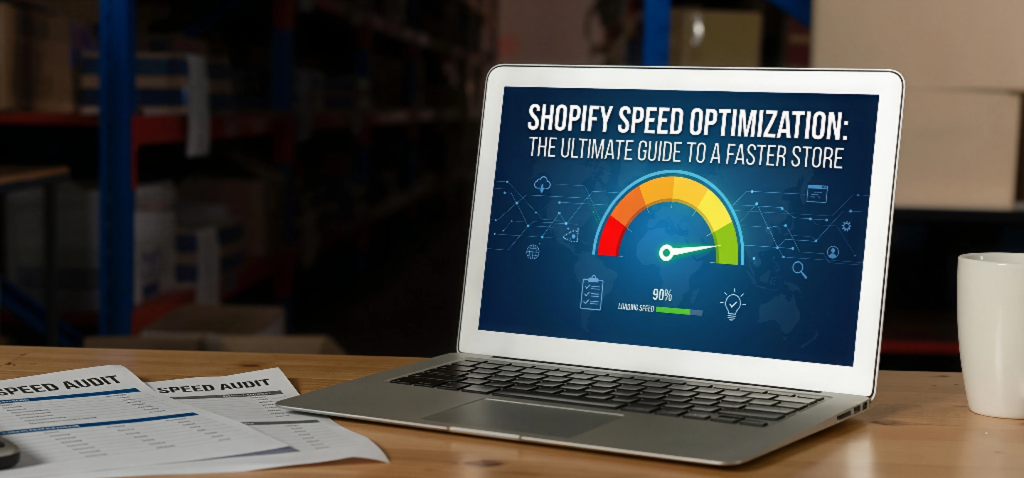
Website speed plays a critical role in the success of any e-commerce business. A slow-loading Shopify store negatively impacts user experience, reduces conversions, and affects search engine rankings.
Shopify provides a solid performance foundation, but store owners must take additional steps to ensure optimal speed. If you’re looking for expert help, you can always Hire Shopify Developers to optimize your store professionally.
Why Shopify Store Speed Matters
Speed directly influences:
-
User experience
-
Conversion rates
-
Bounce rate
-
SEO rankings
According to Google, even a one-second delay in page load time can significantly reduce conversions. Faster websites build trust and encourage customers to complete purchases.
1. Select a Lightweight and Optimized Theme
Your Shopify theme significantly impacts your store’s performance. Feature-heavy themes with excessive animations, sliders, and scripts can slow down your website.
Best practices:
-
Choose a minimal, performance-optimized theme
-
Avoid unnecessary built-in features
-
Ensure the theme is mobile responsive
Themes available in the official Shopify Theme Store are generally well-coded and optimized. For better customization and performance, consider working with a professional Shopify Development Company.
2. Optimize and Compress Images
Images are one of the largest contributors to slow page speed. Uploading high-resolution images without optimization increases load time significantly.
Recommendations:
-
Resize images before uploading (1000–1500px width for products)
-
Compress images using tools like TinyPNG
-
Use next-generation formats like WebP
-
Avoid uploading images larger than necessary
Optimized images reduce page size without sacrificing visual quality.
3. Remove Unused Shopify Apps
Each installed app adds code (JavaScript and CSS) to your store. Too many apps can slow performance, even if they are not actively used.
Action steps:
-
Uninstall unnecessary apps
-
Remove leftover code from theme files
-
Avoid installing multiple apps that perform similar functions
Regular app audits improve speed and overall store stability.
4. Minimize JavaScript and CSS Files
Large or unoptimized JavaScript and CSS files delay page rendering. Excessive custom code, third-party tracking scripts, and page builders often contribute to this issue.
Recommendations:
-
Remove duplicate tracking codes
-
Reduce third-party scripts
-
Minify CSS and JavaScript files
-
Avoid overusing sliders and animations
Technical optimization at the code level can significantly enhance load times.
5. Enable Lazy Loading
Lazy loading ensures images and media files load only when users scroll down the page. This improves initial page load speed and enhances mobile performance.
Most modern Shopify themes include built-in lazy loading functionality.
6. Test Your Store Speed Regularly
Performance testing tools help identify issues affecting your store.
You can analyze your Shopify store using:
-
Google PageSpeed Insights
-
GTmetrix
-
Shopify’s built-in speed report
These tools provide performance scores and actionable improvement suggestions.
7. Limit Fonts, Animations, and External Resources
Excessive fonts, pop-ups, and animations can negatively impact performance.
Best practices include:
-
Use no more than 1–2 font families
-
Avoid heavy homepage sliders
-
Reduce unnecessary pop-ups
-
Keep the design clean and conversion-focused
A minimal design not only improves speed but also enhances user experience.
Conclusion
Shopify speed optimization is an ongoing process rather than a one-time task. By selecting an optimized theme, compressing images, removing unused apps, minimizing code, and regularly testing performance, you can significantly improve your store’s loading speed.
A faster Shopify store leads to:
-
Higher customer satisfaction
-
Increased conversion rates
-
Improved SEO performance
-
Stronger brand credibility
If you want to accelerate your store growth and performance, don’t hesitate to Contact Us Today for expert Shopify optimization services. 🚀
 Portuguese
 English
 Arabic
 French
 Spanish
 Deutsch
 Turkish
 Dutch
Dutch
 Italiano
 Russian
 Romaian
 Portuguese (Brazil)
 Greek
Greek